BubbleShoota
Pop Bubbles
The classic bubble shooter. Aim the cannon, bounce your shot off the walls and pop three or more bubbles of one color, until the board is empty.
How to play
Aim, shoot, pop
Three or more of a color pop. Everything else is aim.
Aim and shoot
Drag your finger to aim and let go to shoot; a quick tap shoots straight at your finger. The dotted line, bounces off the walls included, is exactly the path the bubble will fly.
Pop three or more
Three or more bubbles of one color pop. Bubbles that lose their hold on the top fall with them.
Watch your misses
The row of bubbles in the bottom left shows how many misses are left before the board moves down two rows; its first bubble is the cannon's next one. The allowance cycles: 6, then 4, then 2, then 6 again.
Clear the board
Empty the board to win. If a bubble reaches the bottom row, the game is lost.
Score
It starts at 10,000, and every bubble removed takes a point off: a win in fewer shots scores higher.
Undo
Takes back a shot, with the board, the score and the misses, up to 50 shots back.
Colors
The cannon only loads colors that are still on the board.
Screens
See it in play
Pictures of version 2.0 on iPhone.
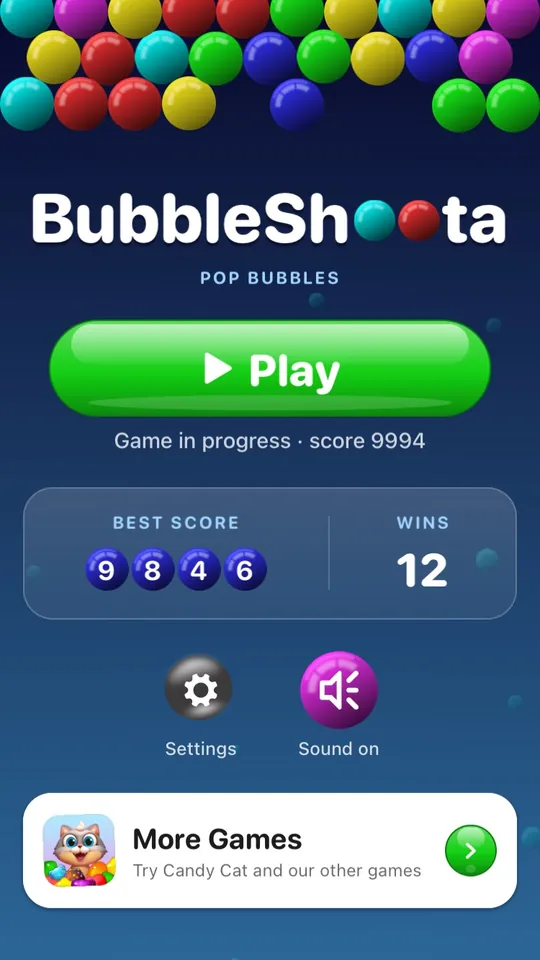
The start screen: Play, your best score and wins, Settings and sound. 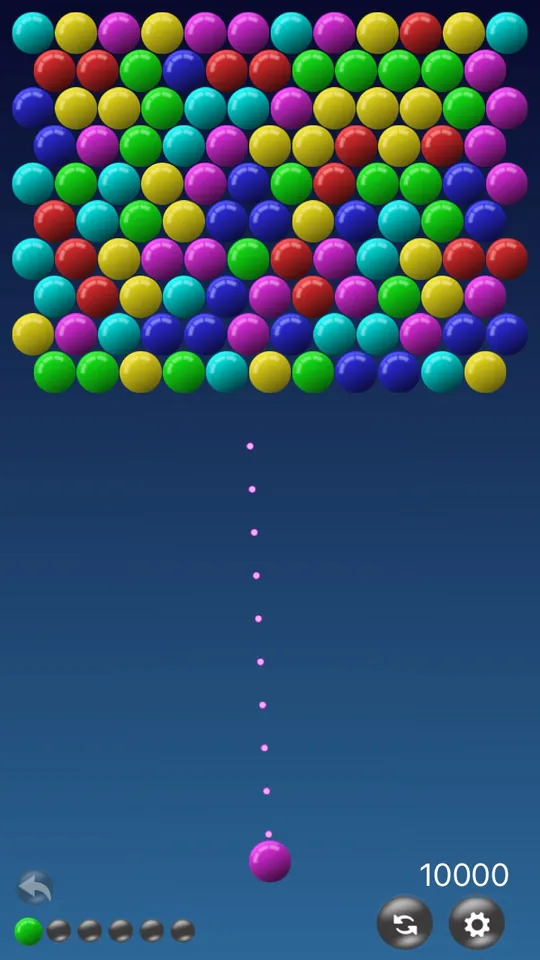
A new game: the top half of the board filled, the score at 10,000. 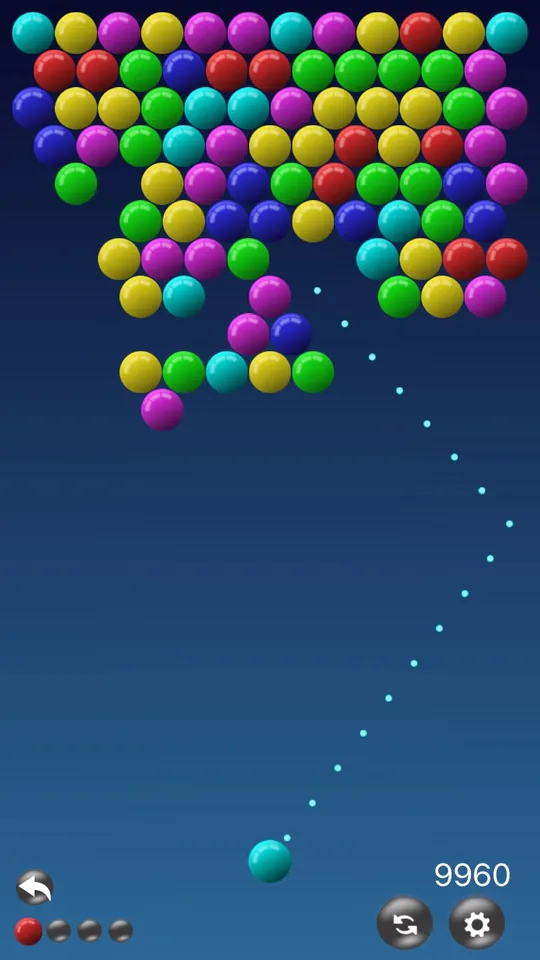
Aim off the wall: the dotted line shows the bounce, and the bubble flies exactly along it. 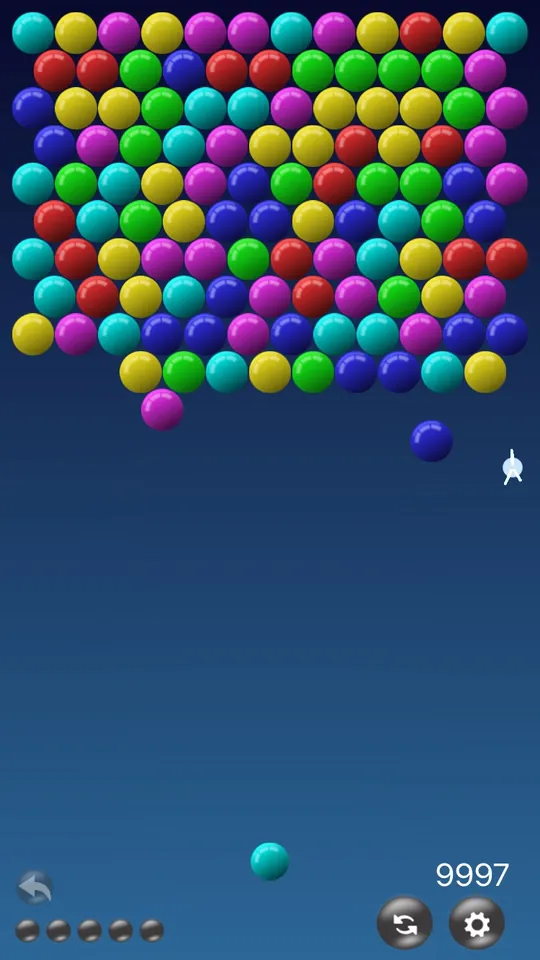
Three of a color pop, and each bubble removed takes a point off the score. 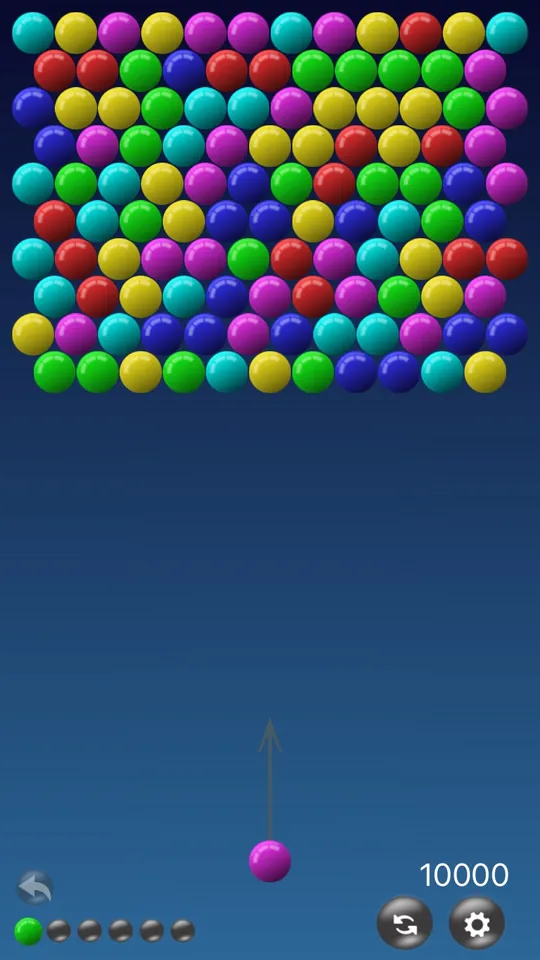
Hard mode: only an arrow, no dotted line. 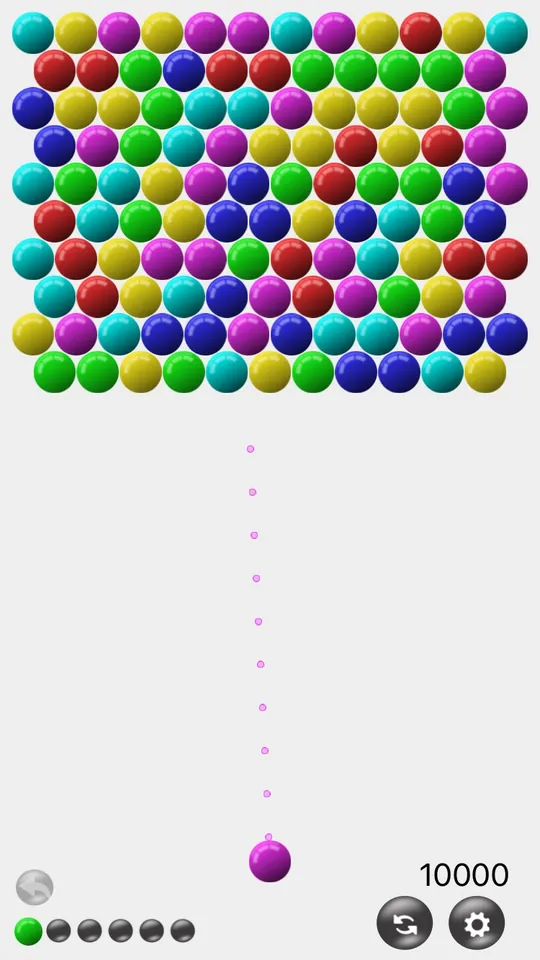
One of the five backgrounds: light gray. 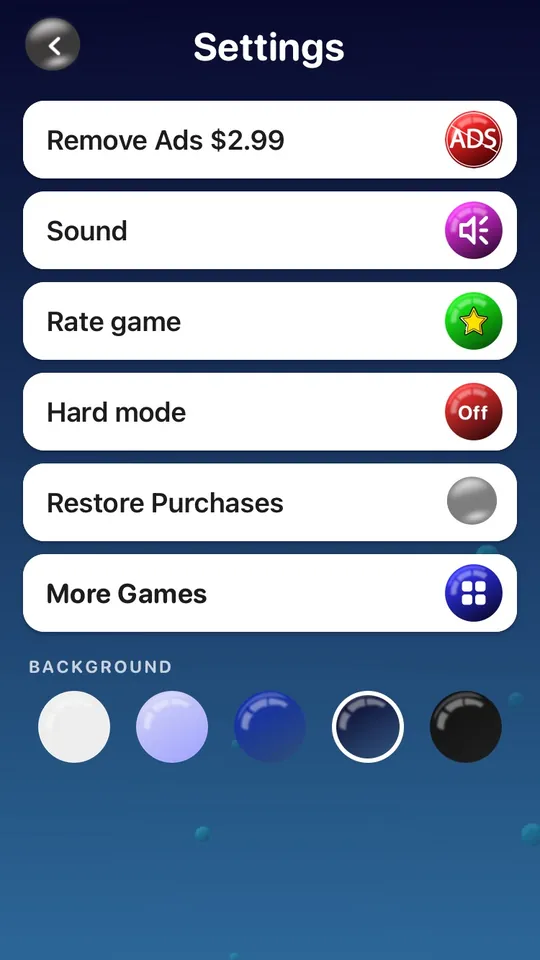
Settings: Remove Ads, sound, hard mode, Restore Purchases and the backgrounds.
In the game
What's in the game
An honest aiming line
In normal mode the dotted line shows the whole flight, bounces and all, and the bubble flies exactly along it.
Undo
Changed your mind? Take back up to 50 shots, one at a time.
Hard mode
Only an arrow shows where the cannon points: judge the bounces yourself. Hard mode scores have leaderboards of their own.
Five backgrounds
Light gray, lavender, deep blue, night blue (the one you start with) or black: pick one in Settings.
Top 10
Signed in to Game Center? Every win sends your score to the leaderboard, and Top 10 opens it.
Free, with one purchase
On iPhone and iPad the game is free with ads. Remove Ads takes them away for good, and Restore Purchases brings it back on another device. The Mac version has no ads.
Devices
iPhone, iPad and Mac
The same game on all three, from one App Store page.
iPhone
Drag your finger to aim and let go to shoot; a quick tap shoots straight at your finger.
iPad
Play with touch, or with a trackpad or mouse: the pointer aims and a click shoots.
Mac
The pointer aims and a click shoots. The Mac version has no ads.

Ready to pop some bubbles?
BubbleShoota is free on the App Store, for iPhone, iPad and Mac.
Download on the App StoreQuestions or ideas? Write to us at support@bubbleshoota.com